How it works
From one paragraph to a rap video
Type anything. Get rhyming lyrics, a recorded rap and a performance video. Here is every step, what it does and what it costs.
1The whole flow
You write one paragraph. The studio takes it in three steps: Lyrics, where the engine writes and checks rhyming lyrics; Music, where it records two versions with a fitting voice and builds a preview video; and Video, where it films a performance video from the take you pick.
- 1Your words
- 2Rhyming lyrics
- 3Two recordings and a preview
- 4Performance video
Step 1 of 3 · Lyrics
2Write your idea and pick a style
Type a story, a name, a lesson or a wild thought, then pick the style that fits what you want to say.
- Roast
- A friendly roast: playful jabs at a friend, a coworker or yourself.
- Toast
- A rap gift for birthdays, anniversaries, thank-yous and weddings.
- Explain
- A lesson, a concept or a pile of notes turned into bars that stick.
- Battle
- Two names and a topic: two performers trade verses.
Anything you type works. The engine reads your words and shapes the song around them.
Step 1 of 3 · Lyrics
3Set the language, length and writer
Lyrics come in English, Chinese, Japanese, Korean, Spanish, French, German and Portuguese. They follow the language you write in unless you pick another.
Choose a song length of 15s / 20s / 30s seconds.
Pick the AI model that writes your lyrics. The one you choose handles the whole song:
- Claude Sonnet 5.5Anthropic
- DeepSeek V4.1 FlashDeepSeek
- Grok 4.7xAI
- Gemini 4Google
Free accounts write with DeepSeek V4.1 Flash. Any credit pack or subscription unlocks every writer.
Step 1 of 3 · Lyrics
4How the lyrics are written
The writer does more than rhyme. Every song goes through five stages:
- 1
Understand
Reads your idea, picks out the names and facts to keep, and sets the mood.
- 2
Plan
Plans the sections, bars, rhyme scheme and tempo to fit the length.
- 3
Write
Writes every line to the planned syllable count and rhyme.
- 4
Check
Counts syllables, checks rhymes and reviews facts and safety line by line.
- 5
Rewrite
Automatically rewrites any line that misses.
When the lyrics land you can rewrite a single line, ask for a funnier or shorter one, or edit the words yourself. Recording uses exactly what you see.
Step 2 of 3 · Music
5Choose a character and voice
In step 2 (Music), your lyrics already have a performer: the engine matched one of twelve original looks to your idea. Keep it, or pick another look and a voice style yourself. In a Battle, each side gets its own performer. Changing the look is free and leaves the lyrics as they are.
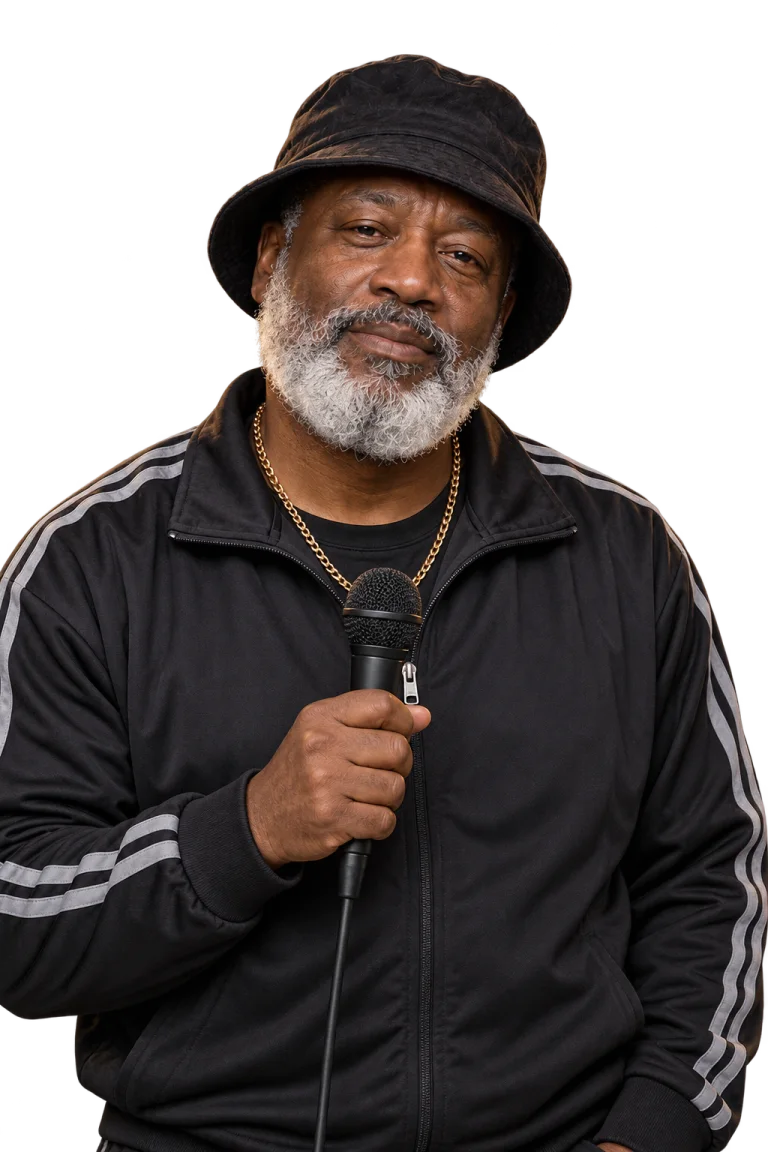
The Mentor

The Comedian
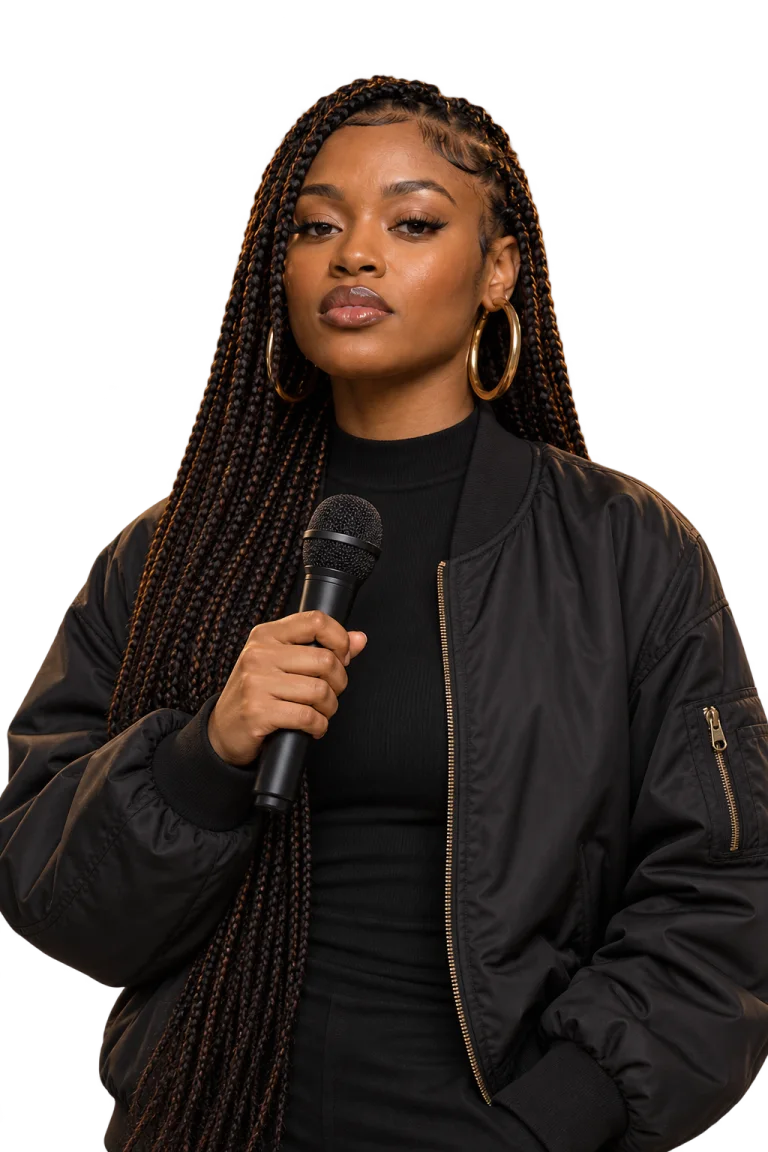
The Firestarter

The Scholar

Lin
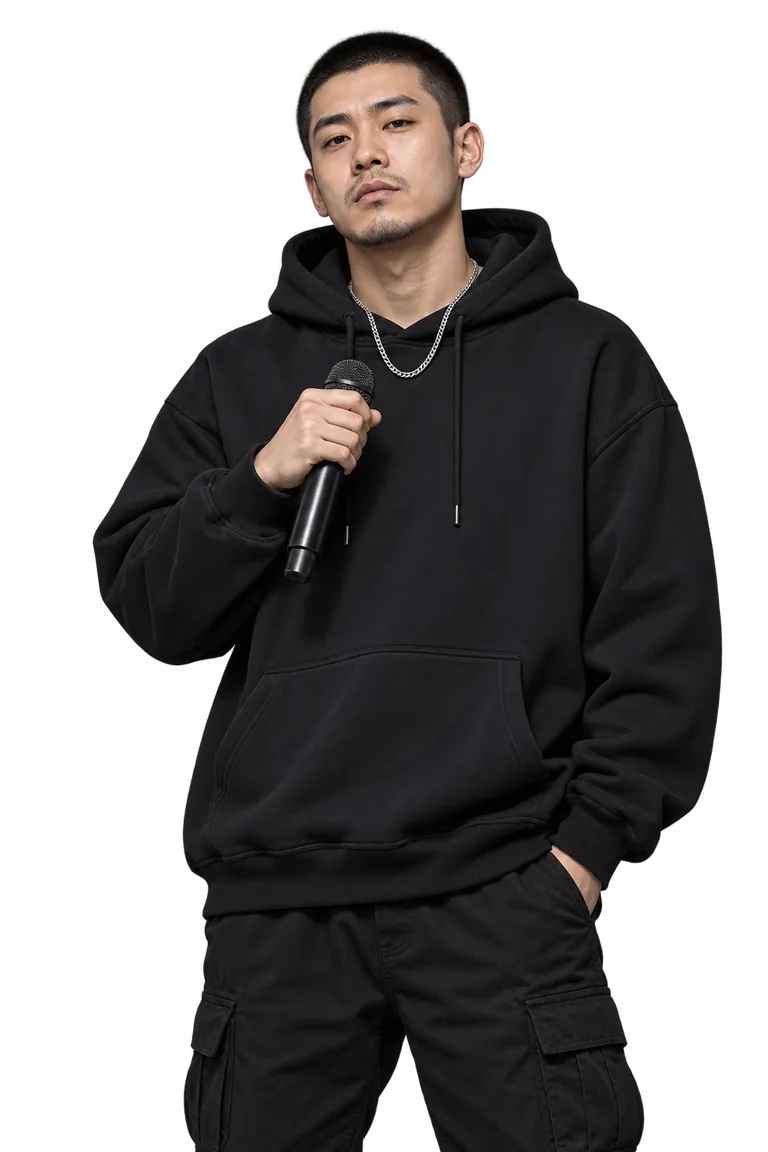
Jun

Aiko
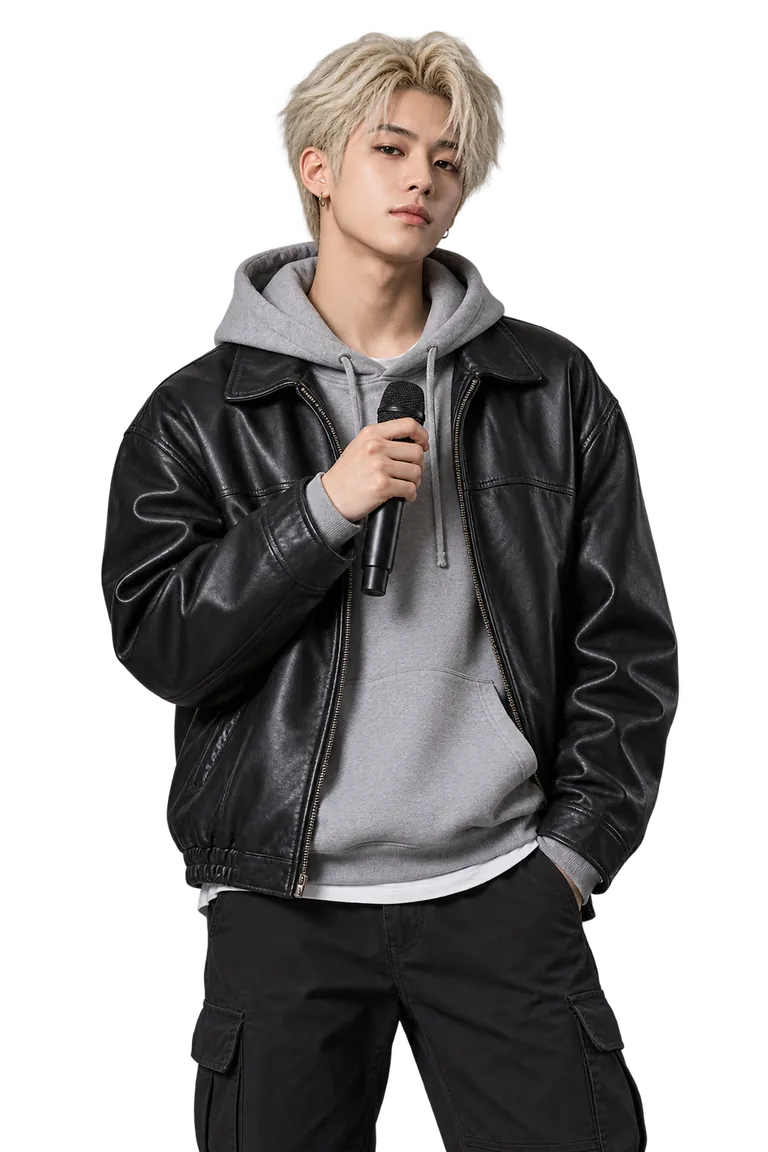
Minho

Yuna
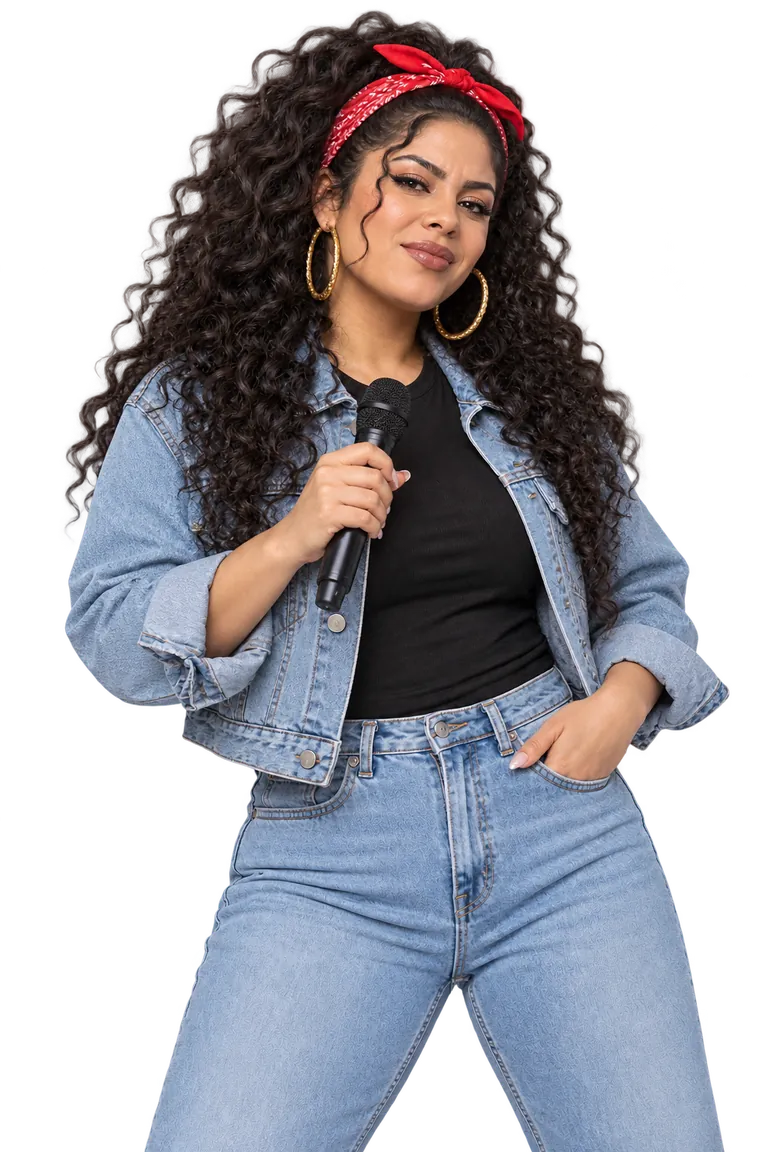
Lucía

Grace
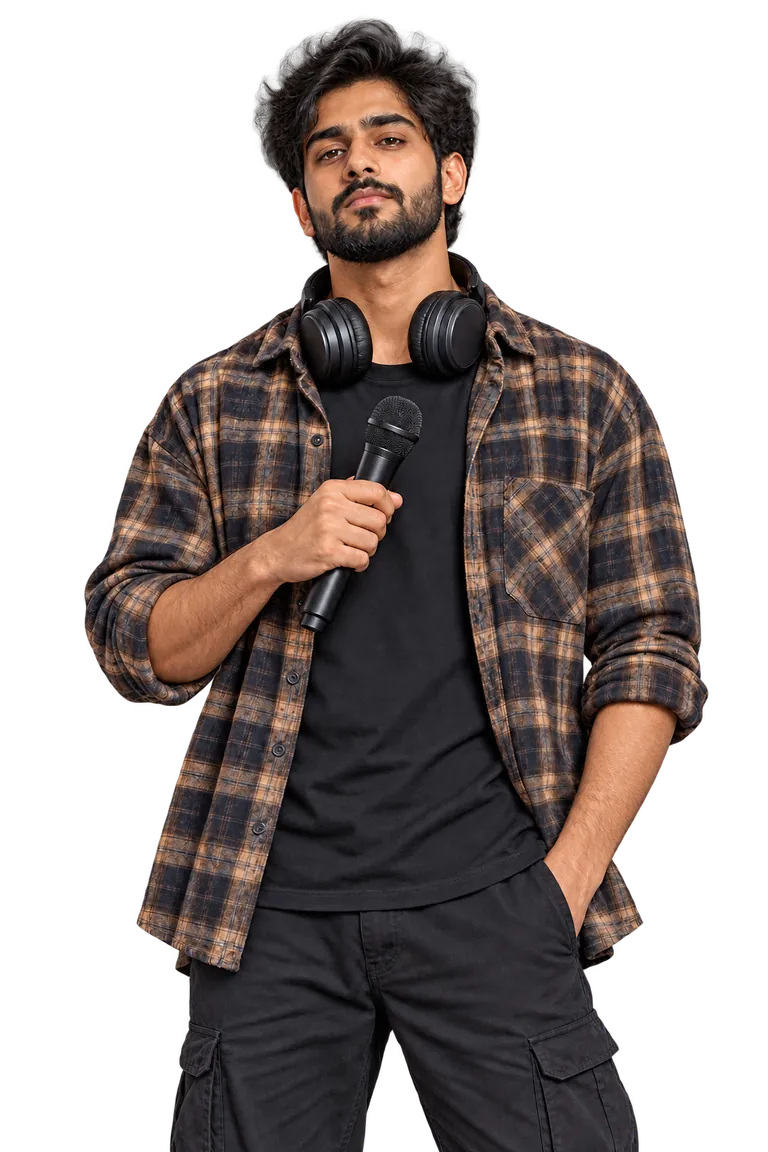
Dev
Members with a credit pack or plan can also open the dressing room and turn their own photo into an illustrated rap character, or a pet into a realistic one.
Step 2 of 3 · Music
6Recording
The engine records two versions of your lyrics with a voice that fits your choice, so you can keep the take you like. While it records, it also paints a scene image of the stage, and your browser assembles a preview video from that image, the lyrics and the music.
Step 3 of 3 · Video
7Performance video
Turn a take into a stage performance where your performer raps it on camera. The video runs as long as the take, up to 30 seconds.
Standard quality is available on every account. HD 1080P suits takes up to 15 seconds and comes with the Pro and Studio plans.
Download the video or share a link to the page where anyone can play it.
8What each step costs
Prices are in credits, and credits are only spent when you press a step's paid button. Each of the three studio steps has one, with its price on it. Choosing a character is free.
| Step | Credits |
|---|---|
| Write the lyrics | 8 credits |
| Rewrite one line | 1 credits |
| Record two versions, with the scene image | 42 credits |
| Performance video, standard | 30 credits per second |
| Performance video, HD | 60 credits per second |
Video is billed by the second of the take you pick, from 5 seconds.
Every account can claim 50 free credits each day, and new accounts get a 50-credit welcome gift.
Need more? Buy a credit pack once, or subscribe to a plan.
See pricing9Common questions
Do I need an account?
You can browse the home page, examples and pricing without one. Writing lyrics, recording and video use credits, so they need a free account.
Does it cost anything to start?
Setting up your idea and choosing a character are free, and accounts can claim free credits every day. Credits are spent when you start writing the lyrics, generating the music or making the video.
Which languages are supported?
Lyrics and pages come in English, Chinese, Japanese, Korean, Spanish, French, German and Portuguese.
Can I change the lyrics?
Yes. Rewrite a single line, ask for a funnier or shorter version, or edit by hand. If you change the lyrics after recording, record again so the audio matches.
Are the voices and performers real people?
No. The voices are AI-generated and the performers are original fictional characters.
What happens if something fails?
If a recording or a video cannot be made, the credits for that step are returned to your account.
How are lyrics checked?
Every line is checked for the facts you provided and for safety, and lines that miss are rewritten before you see them.
Can I share my rap?
Yes. Each finished rap has a page you can share, so anyone can play it and make their own.
Ready to try it?
Start with a single sentence.
Start creating